Replacement Remote Control for Ceiling Fans
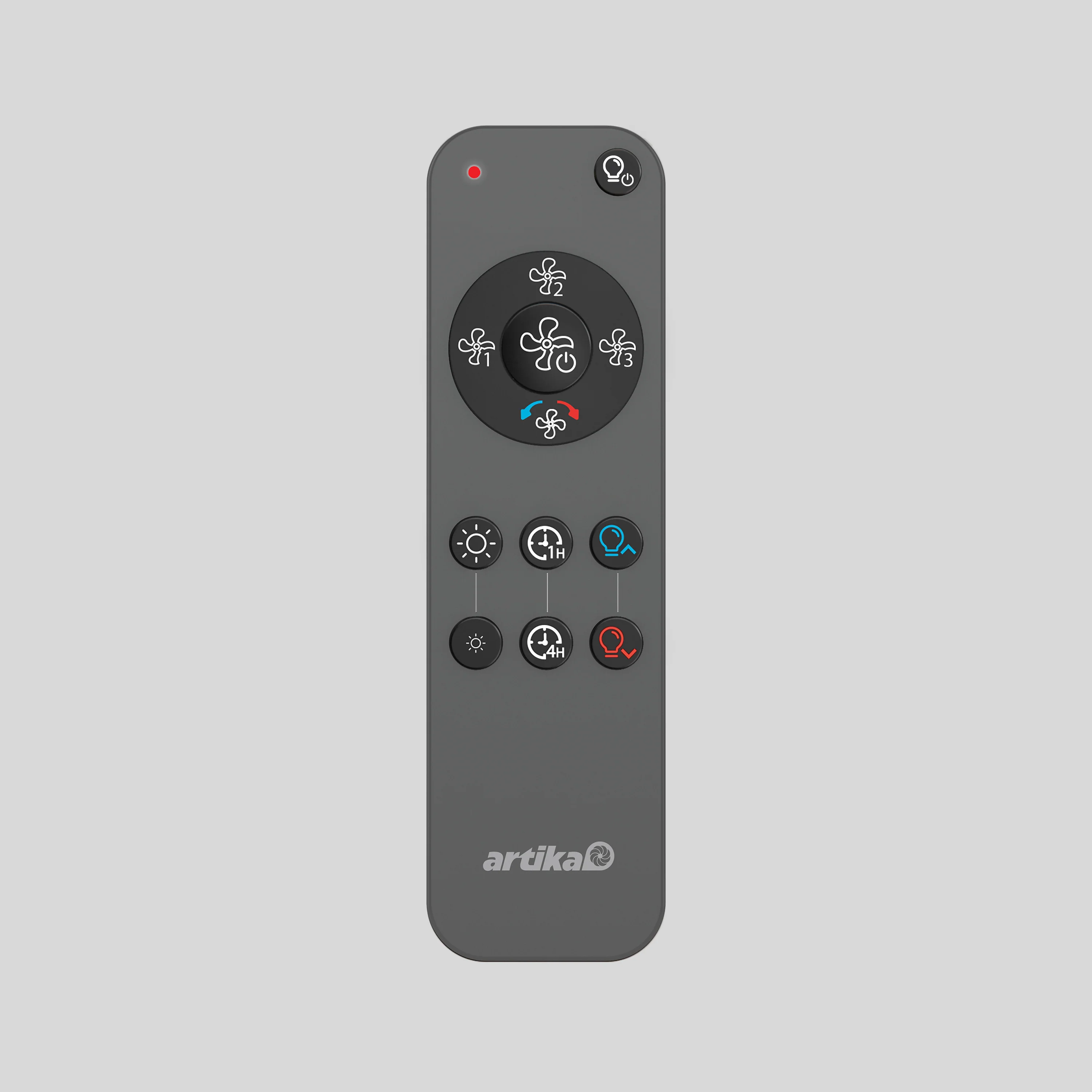
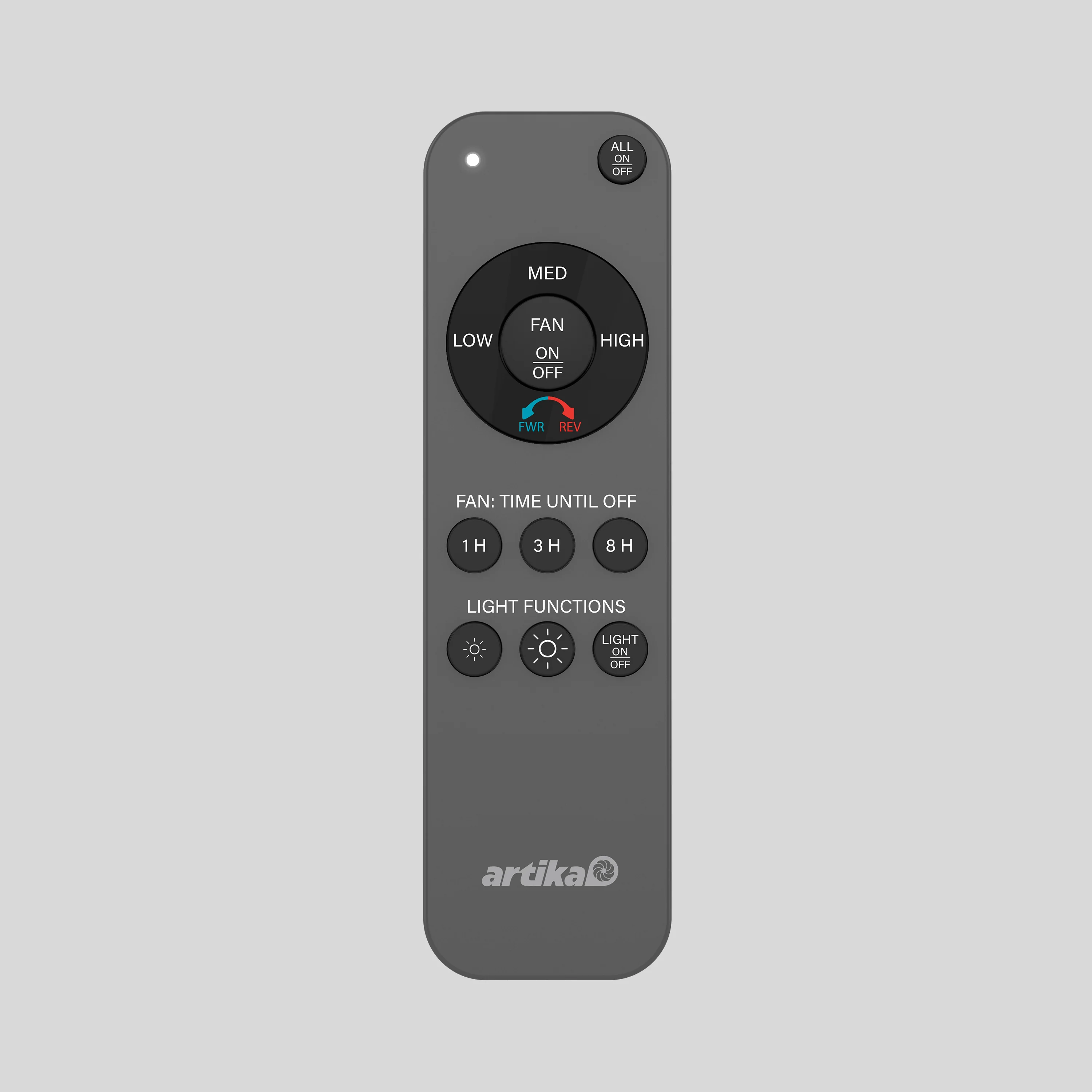
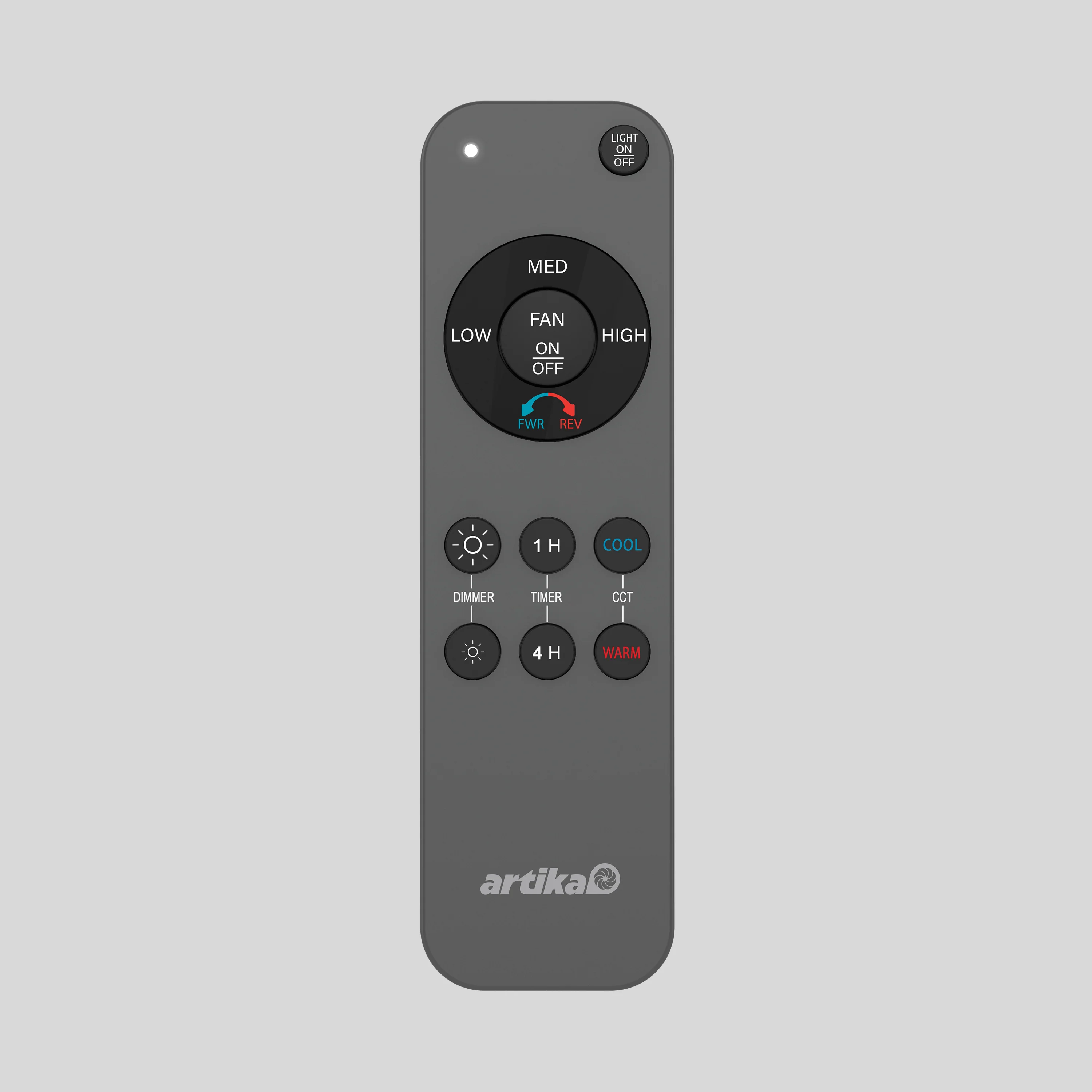
Easily replace a lost or broken remote with this replacement remote control for Artika ceiling fans (except Edwin). Designed for seamless compatibility across our fan collection, it allows you to adjust speeds, lighting, and timer functions with ease. Keep a spare on hand for added convenience and uninterrupted comfort.
Important: This remote is compatible with all Artika ceiling fans with the exception of:
- Edwin Fans (requires its own dedicated model SKU# REMOTE/EDWINFAN)
- Sunnyvale Fans.
REMOTE CONTROL PAIRING
INSTRUCTIONS
1. Turn the fixture power off for at
least 15 seconds.
2. Turn the fan on.
Press the FAN ON/OFF button (no. 4)
and the LIGHT ON/OFF button (no. 2)
simultaneously within 10 seconds
of turning on the fan. You will hear
2 ‘’beep’’ sounds when the pairing
is complete.
3. If pairing is not successful, repeat
the steps above.
Easily replace a lost or broken remote with this replacement remote control for Artika ceiling fans (except Edwin). Designed for seamless compatibility across our fan collection, it allows you to adjust speeds, lighting, and timer functions with ease. Keep a spare on hand for added convenience and uninterrupted comfort.
Important: This remote is compatible with all Artika ceiling fans with the exception of:
- Edwin Fans (requires its own dedicated model SKU# REMOTE/EDWINFAN)
- Sunnyvale Fans.
REMOTE CONTROL PAIRING
INSTRUCTIONS
1. Turn the fixture power off for at
least 15 seconds.
2. Turn the fan on.
Press the FAN ON/OFF button (no. 4)
and the LIGHT ON/OFF button (no. 2)
simultaneously within 10 seconds
of turning on the fan. You will hear
2 ‘’beep’’ sounds when the pairing
is complete.
3. If pairing is not successful, repeat
the steps above.
Description
Easily replace a lost or broken remote with this replacement remote control for Artika ceiling fans (except Edwin). Designed for seamless compatibility across our fan collection, it allows you to adjust speeds, lighting, and timer functions with ease. Keep a spare on hand for added convenience and uninterrupted comfort.
Important: This remote is compatible with all Artika ceiling fans with the exception of:
- Edwin Fans (requires its own dedicated model SKU# REMOTE/EDWINFAN)
- Sunnyvale Fans.
REMOTE CONTROL PAIRING
INSTRUCTIONS
1. Turn the fixture power off for at
least 15 seconds.
2. Turn the fan on.
Press the FAN ON/OFF button (no. 4)
and the LIGHT ON/OFF button (no. 2)
simultaneously within 10 seconds
of turning on the fan. You will hear
2 ‘’beep’’ sounds when the pairing
is complete.
3. If pairing is not successful, repeat
the steps above.